

StyleMyCrown is one wig try-on app we can recommend for textured Black hair, because every preview starts from texture, not from a generic hair overlay. Our catalog is curated for Black hair, and you get complimentary credits to see styles on your own photo before you commit to anything. Try the free previews, then decide.
TL;DR:
- StyleMyCrown offers 2 complimentary credits and a catalog of over 528 curated styles, so preview several looks before selecting a paid plan.
- Use the same sharp, evenly lit photo across apps, with your planned wig prep, and inspect the hairline and part for blending.
- The listed options cost $17.48 for one week and $38.73 for four weeks; choose the 12 week plan only if longer comparisons justify it.
- StyleMyCrown says it securely processes face data without retaining it or using it for AI training; check other apps’ storage and sharing policies.
- Use virtual previews to narrow your choices, then check your top two or three wigs in person for cap comfort, lace feel, and weight.
Table of Contents
- Why StyleMyCrown stands out for wig try-on
- How virtual wig try-on works and what controls realism
- Checklist: how to choose the best wig try-on app for you
- Privacy and image data: what to check before you upload photos
- Platforms, pricing shapes, and trial expectations
- Timeline: how long a typical try-on session or trial lasts
- Compatibility with different hair types within the Black and textured hair spectrum
- Integration of personalized AI recommendations based on facial features and preferences
- Tips for maximizing the virtual try-on experience
- Comparison with traditional wig try-on methods
- User reviews and testimonials from Black hair users
- Why accurate texture changes what you buy
- Try StyleMyCrown: free previews and plan options
- FAQ
Why StyleMyCrown stands out for wig try-on
We built StyleMyCrown around a gap we kept running into ourselves: most try-on tools treat hair as one smooth shape that can be pasted on any head. Coils, curls and waves don't behave that way, and a preview that ignores texture tells you almost nothing about how a wig will sit on you.
Here is what we offer:
- A catalog of over 528 curated styles, tailored to diverse Black hair textures and types.
- Complimentary credits, so you can preview looks with no commitment.
- AR-based previews on your own photo, so you judge the style against your real face and features.
- A privacy stance we hold firmly: face data is processed securely and never retained or used for AI training.
The practical payoff is confidence before you spend. When you can see how a bob sits against your jawline, how a curl pattern frames your face, or whether a color flatters your skin tone, you ask better questions at the store or in your stylist's chair. You can narrow down length, density, lace look and color without buying three wigs to find the one that works.
Pro Tip: Run your first preview on a style you already love, then your second on something you would never normally try. The contrast teaches you more about your face shape than either look alone.
How virtual wig try-on works and what controls realism
Every wig try-on app does the same basic thing: it finds your face, maps where hair should sit, and draws a style on top of your photo or camera feed. The difference between a believable result and a cartoon lies in the details.
Photo-based versus live-camera AR. Photo-based try-on lets you pick one well-lit image and gives the software time to process it, which usually means cleaner edges and better blending. Live-camera AR is fun and instant, and you can turn your head to see angles, but the software has to make decisions in a fraction of a second, so it often trades away detail. For judging fit and texture, we lean toward photo-based previews.

Texture-aware models. A texture-first model understands that a coil pattern has volume, shrinkage and shape that a straight-hair overlay can't fake. When an app lays a smooth wig over your photo and calls it a "twist-out," the proportions are wrong and so is your decision.
Lighting, parting and edges. Realism lives at the hairline. Watch how the part is drawn, whether the edges look like lace melting into skin or a hard sticker line, and whether shadows on the hair match shadows on your face.

Camera quality and reference photos. Even the best model struggles with a blurry or dim photo. A sharp, evenly lit, front-facing image does more for your result than any setting inside the app.
Checklist: how to choose the best wig try-on app for you
You can compare apps with a short routine. Work through these steps in order:
- Open the catalog first and look at whether textured styles are represented honestly, not just one afro option tacked onto a straight-hair library.
- Use the available previews or trial credits on the same photo in every app you test, so the comparison is fair.
- Zoom in on the hairline and part. Edge blending shows the quality of the model faster than anything else.
- Read the privacy section before you upload anything beyond your first test photo.
- Confirm the app runs smoothly on your phone or computer.
- Look for real before and after galleries or stylist-made catalogs, not only polished marketing images.
When you weigh what you find, keep these priorities in mind:
- Texture accuracy matters more than the size of the library.
- A curated catalog beats a huge one full of styles that don't suit your hair type.
- Clear data policies are a feature, not fine print.
- A fair trial lets you test the product, not just admire it.
If you also want to test color changes, our guide to hair color apps for Black hair walks through how to compare shades without losing the texture detail.
Privacy and image data: what to check before you upload photos
A wig preview needs a clear photo of your face, and that makes the data worth protecting. Before you upload, know where your image goes and how long it stays there.
The usual concerns are photo retention, use of your images to train AI models, and sharing with third parties. Policies can be long and vague, so scan for a few specific things:
- How long your photo is stored, and whether it is deleted after processing.
- Whether your images are used to train models, and whether you can opt out.
- A clear way to request deletion, ideally with a contact address.
- Whether data is shared with advertisers or outside partners.
On our side, we process face data securely and never retain it or use it for AI training. We also keep a plain checklist for anyone vetting an app, which you can find in our privacy checklist for hairstyle apps.
Pro Tip: Start with a single everyday photo while you test, not a full-resolution portrait. Upload your best image only after you are comfortable with the app's policy.
Platforms, pricing shapes, and trial expectations
Most try-on apps run on iOS and Android, and some also work in a web browser. Performance changes with your device, so an older phone may render previews more slowly than a newer one. A web version helps when you want to review styles on a bigger screen.
Pricing tends to fall into a few shapes:
- Freemium previews, where a few tries are free and the rest sit behind a paywall.
- Short trials that give you temporary full access.
- Weekly or multi-week subscriptions for ongoing use.
For ours, a 1 Week Trial is $17.48 per week and the 4 Week Plan is $38.73 per 4 weeks, with a 12 Week Plan also available. Start with the complimentary credits first.
To spend credits wisely, pick your photo before you begin, choose your top styles ahead of time, and use credits on different categories, such as a protective-style look, a wig-style look, or a color change. That way every preview teaches you something new.
Timeline: how long a typical try-on session or trial lasts
A single try-on moves quickly. You upload a photo, choose a style, and wait for the preview to render. Most of your time goes to choosing, not waiting. Plan on a few minutes per look once you know what you want to see.
The real timeline question is how long to spend before you decide. We suggest a simple rhythm:
- First session: Use your complimentary credits on different looks, and note what surprises you.
- Later: Come back to your saved previews with fresh eyes. First impressions often change after a night's sleep.
- Before buying: Compare your top picks side by side, then show them to a friend or your stylist.
If you move to a paid plan, the length you pick should match your goal. A week suits someone shopping for one event, like a wedding or a birthday. Longer plans make sense if you are planning a rotation of styles or helping a family member choose. Stylists who browse catalogs for client consultations will also want more time than a one-off shopper.
Because we offer a 1 Week Trial, a 4 Week Plan and a 12 Week Plan, you can match your timeline to how many decisions you actually need to make, and not pay for more.
Compatibility with different hair types within the Black and textured hair spectrum
Black hair is not one texture. It runs from loose waves to tight, springy coils, and each pattern has its own volume, shrinkage and way of catching light. A wig that looks right over one pattern can look wrong over another, so try-on tools need to respect that range.
When you test an app, check how it handles the following:
- Waves and loose curls. Look for natural movement and soft edges, not stiff ripples.
- Defined curls. The curl pattern should keep its shape and not blur into a vague puff.
- Coils and afro textures. Volume and silhouette matter most here. A coily style should read as full and rounded, not flat against the head.
- Protective styles. Braids, twists and locs have structure that a generic overlay can't reproduce.
This is why we curate our catalog around Black hair instead of adapting a general library. The goal is not to show you every hairstyle in existence. It is to show you styles that look the way they will look in real life, on hair like yours.
Another thing to keep in mind: your own hair affects how a wig sits. If you wear your hair in cornrows, a flat twist or a braid-down under a wig, your head shape in the photo changes slightly. Take your preview photo in the same prep you plan to wear, and the result will be closer to what you see in the mirror.
Integration of personalized AI recommendations based on facial features and preferences
Choosing a style from hundreds of options can feel like a lot. That is where personalization helps. Instead of scrolling a catalog endlessly, a good tool uses what it sees in your photo, like face shape, hairline and proportions, along with your stated preferences, to point you toward looks worth previewing.
What to look for in any recommendation feature:
- It should explain or at least show why a style was suggested, so you can learn from it.
- It should respect your preferences, such as length, color or how bold you want to go.
- It should stay inside styles that suit your texture, not push you toward looks that only work on straight hair.
- It should leave the final decision to you.
We treat face shape as a starting point and not a verdict. Face shape is useful information, but so are your lifestyle, your maintenance habits and how you want to feel when you walk in a room. A style that looks perfect in a preview but takes two hours to install every week may not be the right one.
Our 528-plus style catalog gives you room to explore on your own as well. Browse the Style Catalog to see the range, then let a few preview credits settle the choices you can't make by scrolling alone.
Tips for maximizing the virtual try-on experience
Your results depend on the photo you give the app. A few small habits make a large difference.
Lighting. Face a window and let soft daylight hit your face evenly. Avoid strong overhead lights, which cast shadows under your brows and chin, and avoid backlighting, which turns your face dark.
Camera position. Hold the phone at eye level, about an arm's length away. Shooting from below distorts your jawline, and shooting from above shrinks your forehead. Look straight into the lens with a relaxed face.
Hair prep. Pull your own hair back or flatten it so it doesn't peek out around the edges of the preview. Clear your hairline of loose pieces, hats and headbands.
Background. A plain wall behind you helps the software separate your head from everything else.
Photo quality. Clean your lens, hold still, and use the rear camera when possible, since it usually captures more detail than the front one.
Test strategically. Try a few lengths of the same style. Bobs at different lengths can feel like different decisions.
Check the edges. Zoom in on your hairline each time. If the blend looks natural there, the rest is likely to hold up.
If you are testing color too, keep the lighting identical between photos so the shade changes come from the app and not from your room.
Comparison with traditional wig try-on methods
Trying on wigs the traditional way means visiting a shop, sitting under harsh mirror lights, and putting on one wig at a time, often over a wig cap that flattens your own hair. It can be a great experience, especially with a skilled stylist. But it has limits that virtual preview helps with.
Here is how the two approaches compare:
| What you want | In-store try-on | Virtual try-on |
|---|---|---|
| Looks you can test in one sitting | Limited to what is on the shelf | Browse a full catalog from home |
| Pressure to decide | Often high | None, and you can come back later |
| Cost of experimenting | Time, travel and sometimes fees | Complimentary credits to start |
| Sharing with others | You have to bring people along | Send previews to a friend or stylist |
The strongest approach combines both. Use virtual previews to narrow down your choices, then take your two or three favorites to a stylist or shop for a final fit check. You arrive with a plan, not a blank page, and you spend your in-person time on what only touch can answer, like cap comfort, lace feel and weight on your head.
Virtual try-on also helps when you live far from a shop that carries wigs for textured hair, which is a real barrier for many people. Seeing your options first removes a lot of guesswork before you spend money.
User reviews and testimonials from Black hair users
We want to be straightforward here: we haven't published a set of named customer quotes in this article, and we won't invent any. What we can do is tell you what to look for when you read reviews of any try-on app, ours included.
Useful reviews from Black hair users tend to mention specifics:
- Whether the preview matched their texture, not just their face shape.
- How the hairline and edges looked.
- Whether styles for coils, locs, braids and twists were represented.
- How the app handled their privacy.
- Whether the final wig or style looked like the preview.
Be cautious with reviews that only praise the app in general terms, or that show polished galleries with no photos of real users. Look for before and after comparisons from people who clearly have hair like yours.
Also check the app store and independent forums, not only the company's own page. Stylists are another good source. Our Stylist Catalog exists because the people who work with Black hair every day have strong opinions about what a preview should show.
If you already use a general-purpose app and feel it never quite captures your texture, our comparison of alternatives to YouCam explains how a texture-first approach differs.
Why accurate texture changes what you buy
I have watched people choose very differently once they can see texture and edge treatment in a preview. Before, they picked a wig by the picture on the box, usually a model with a texture that looked nothing like theirs. After, they notice things that matter: how full a curl pattern reads on their face, whether the hairline looks like theirs, whether a color warms or washes out their skin tone.
That shift is the whole point. A good preview doesn't tell you what to like. It lets you disagree with the box. My practical advice is to run at least two previews before you buy anything, one for the look you expect to love and one for the look you are unsure about. The second one is often the one that surprises you.
— Christelle
Try StyleMyCrown: free previews and plan options
We built StyleMyCrown so you can see yourself in a style before you commit to it. Start with the complimentary credits and our texture-first catalog of curated styles.
Start your free previews and see which looks hold up on your own photo. If you love what you see, our plans give you more room to explore:
- 1 Week Trial, for one event or one big decision.
- 4 Week Plan, for comparing several looks over time.
- 12 Week Plan, for longer planning and style rotations.
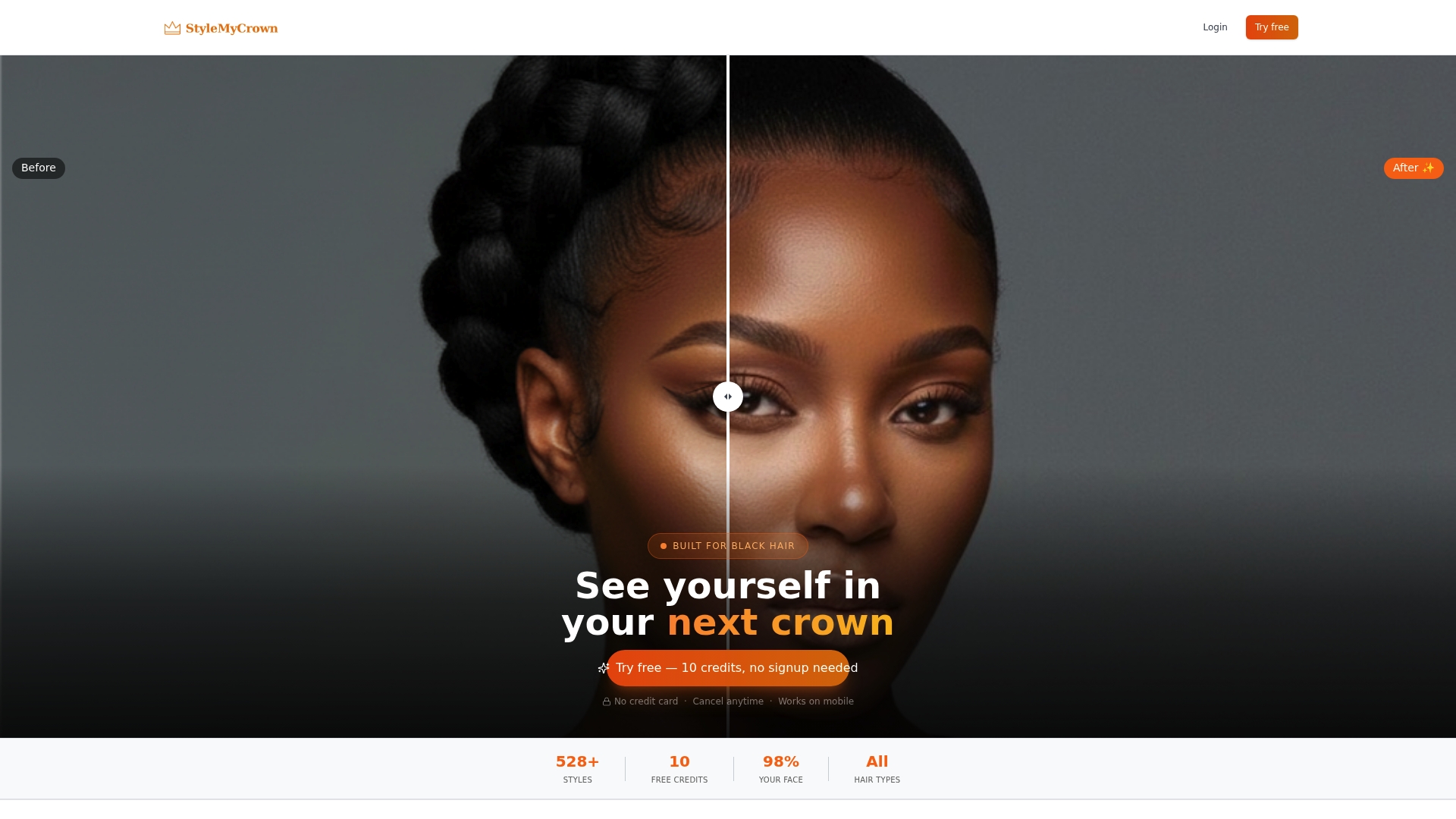
Try your two previews first. Then choose the plan that fits how many styles you want to test.
FAQ
What app allows you to try on different hairstyles?
Many apps offer virtual hairstyle try-on, but few model Black hair textures well. We recommend StyleMyCrown, which uses AR to preview over 528 styles curated for Black and textured hair, with 2 complimentary credits to start.
How do you know if a wig looks good on you?
Check that the hairline blends naturally, the color suits your skin tone, and the length and volume balance your face shape. A virtual preview lets you test these before buying, and a trusted friend or stylist can confirm in person.
What are the best wigs on TikTok?
Trends change fast, so a wig that goes viral may not suit your texture or face shape. Use a try-on preview to test any trending style on your own photo before you buy.
What hairstyle makes you look younger?
There is no single answer, since the right style depends on your face shape, texture and coloring. Soft, face-framing layers and healthy-looking shine tend to read as fresh, and you can test several options through a virtual preview.