
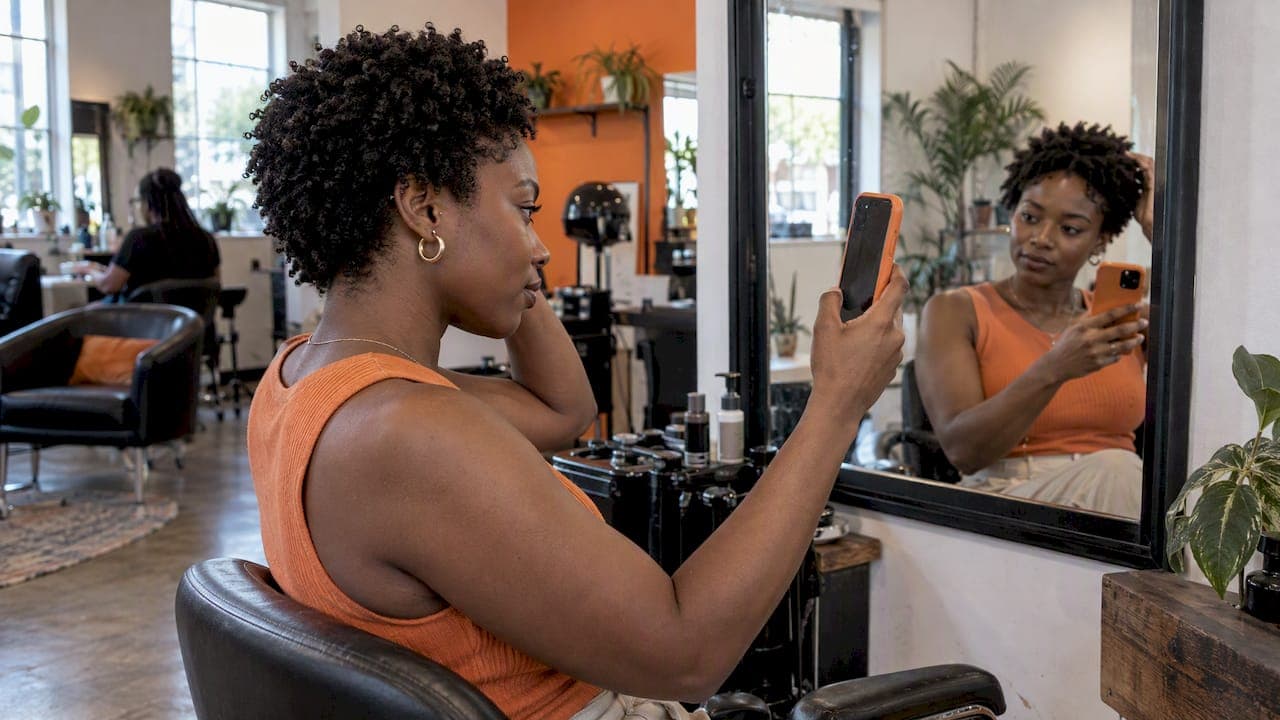
Augmented reality hairstyles let you see a cut, color, braid pattern or wig on your own face before anyone touches your head. Some tools do it live through your camera. Others take a selfie and edit it. Most were built with straight and loosely wavy hair in mind, and that matters a lot if you wear coils, locs, twists or a fresh big chop.
This guide compares the main options Americans are using right now, what they cost, what they do with your photo, and where they fall short for textured hair. We are StyleMyCrown, so we are one of the options. We will be straight about where each tool fits.
TL;DR
- True live AR tracks your face in real time. Most "AR hair" apps today are actually photo-based AI: you upload a selfie and get an edited image back.
- Big general apps offer large style libraries, but the catalog is where Black hair usually gets thin. Check for braids, locs, twist-outs, tapers and wigs before you commit.
- Your face is biometric data. Find out whether a tool processes photos on your device or on a server, and how long it keeps them.
- StyleMyCrown has 528+ styles built for Black and textured hair, and 2 free credits so you can test before paying.
Table of Contents
- AR or AI: what the app is really doing
- What to check before you pick any hairstyle app
- Augmented reality hair apps compared
- Catalog tools versus open-ended generators
- Your face is data: privacy in hairstyle apps
- Who gets the most from AR hair try-on
- Our perspective
- Try it before the chair
- Tips for getting a realistic preview
- FAQ
- Sources
AR or AI: what the app is really doing
The two terms get mixed up constantly, so here is the plain version.
True augmented reality tracks your face and hair through the live camera and layers a virtual style on top. The style moves when you turn your head. Roundups of hair makeover apps describe the split the same way: AR apps work in real time, while photo-based apps apply styles or colors to an uploaded selfie.
The second kind is what most people actually use now. You upload a photo, pick a style, and a generative model redraws your hair. Ulta's Hair Try On, for example, is built on a retrained generative model with guardrails meant to change only the hair pixels and leave your face alone.
Which is better? Live AR is fun for color and short cuts. Photo-based tools usually look more realistic for length, volume and texture, because they have time to render. Neither is a substitute for a stylist, but both can save you from a very expensive "I thought it would look different."

What to check before you pick any hairstyle app
I have watched people in my own circle download four apps in one night and delete all four. It almost always comes down to the same few things.
- The catalog. Does it include box braids, knotless braids, cornrows, locs, twist-outs, bantu knots, silk presses, tapers, waves, afros and wigs? If the "curly" section is one shape, move on.
- Texture handling. Does the preview respect your curl pattern and density, or does it paste straight hair over your head?
- Lighting and skin tone. Dark skin and deep hair colors can turn muddy in cheaper tools.
- Privacy. Where does your photo go, and who can keep it?
- The real price. "Free" often means a handful of credits, a watermark, or low-resolution results.
Augmented reality hair apps compared
Here is how the options most readers meet stack up. Prices change often, so confirm on each provider's own page before you pay.
| Tool | How it works | Strength | Where it can fall short for Black hair | Cost model |
|---|---|---|---|---|
| StyleMyCrown | Photo-based AR try-on | 528+ styles curated for Black and textured hair | Built for hair styles and textures, not a general beauty suite | 2 free credits, then $17.48 per week or $38.73 per 4 weeks |
| Ulta Hair Try On | Photo upload, generative model | Easy, free, tied to hair color shopping | Retail-oriented, general library | Free to use |
| YouCam (Perfect Corp.) | AI photo editing, plus live AR in the wider app | Big general library, 150+ hairstyles | General catalog, fewer protective styles | Free credits, paid plans |
| BarberGPT and similar generative tools | Text or preset prompts on your photo | Creative freedom | Results depend on how you word it and can be unpredictable | Free tier, then paid |
| L'Oréal Style My Hair | 3D real-time color and cut previews | Polished color preview | Built around the brand's own hair color line | Free |
That table is a starting point. Here is the longer version.
StyleMyCrown
We built StyleMyCrown for one group of people that general apps keep leaving out. The catalog holds over 528 styles curated for different textures and types, reflecting the global diaspora. That includes the protective and cultural styles people actually book: braids, locs, twists, natural cuts, and wigs.
You get 2 complimentary credits to try it. After that, the paid plans are a 1 Week Trial at $17.48 per week and a 4 Week Plan at $38.73 per 4 weeks. There is also a 12 Week Plan, which has no published price on the plans page.
On privacy, our position is that face data is processed securely and never retained or used for AI training.
It works for men, women, kids and anyone in between, because Black hair is not one gender. Stylists use the catalog too, to cut down consultation time.
Ulta Hair Try On
Ulta's tool is one of the top results for this search for a reason: it is simple, free and tied to a retailer people already know. It was built with Glamlab and Nvidia's StyleGAN2 model, and the aim is helping shoppers decide on a color or style before buying. It is a good quick look. If you want a deep catalog of braided or loc styles, you will probably want something more specific.
YouCam and Perfect Corp.
YouCam is the heavyweight on the AI hairstyle side. Listings describe a library of 150+ hairstyles with a few free credits to start. Perfect Corp. also does live AR across makeup and hair color. It is a strong choice if you want to flip between color, makeup and cuts in one place. The catch for textured hair is the catalog: 150 styles spread across every hair type leaves limited room for the range of Black styles. We wrote a comparison of YouCam alternatives if you want the detail.
BarberGPT and generative prompt tools
These tools let you describe what you want. The upside is freedom. The downside is control. One testing roundup notes that prompt results depend on the input and can vary in quality. If you type "knotless braids to the waist" and the model has seen few of them, you may get something that looks nothing like what a braider can actually install.
L'Oréal Style My Hair
Style My Hair was developed with ModiFace and offers 3D, real-time color and cut previews. It is polished, but it was designed as a funnel: the same roundup that reviewed it says it exists to drive hair color sales and salon bookings. That is not a flaw, just a reason to know what you are looking at.
Catalog tools versus open-ended generators
This is the biggest decision after texture. A catalog tool gives you a fixed set of styles. A generator invents a style from your words.
Catalogs are predictable. Every style on screen is something a stylist can really make. Generators are creative but can hand you hair that defies physics, or a "twist-out" that is closer to a blowout. For salon prep, predictable wins. For brainstorming, a generator can be a fun detour. Fashion technologists make the same point: software only understands personal style as well as the examples and structure behind it.
Our view: start with a curated catalog to narrow down, then show your stylist the screenshot.
Your face is data: privacy in hairstyle apps
A hairstyle app asks for the most personal thing you own, your face. The apps differ a lot.
One 2026 review of try-on apps found that the answers vary: KBMSoft's Hairstyle Try On processes photos locally and declares no data collection. FaceApp declares data not linked to your identity. HairHunt and YouCam declare that photos and videos are linked to accounts.
The law adds another layer. Some states treat facial geometry as biometric data, which is why it matters whether a tool processes locally or sends images to remote servers. Illinois is the best known: under its Biometric Information Privacy Act, a face-geometry scan needs written notice and a signed release. That applies to Illinois, not every state, so the rules where you live may differ.
FaceApp, for one, says uploaded photos are deleted from its servers within 48 hours, but a review of the app notes that remote processing may concern people in sensitive jobs.
Five practical habits:
- Read what the app says about retention before you upload.
- Prefer tools that say photos are not used to train AI.
- Crop out documents, kids' faces and anything in the background you would not post publicly.
- Use an account-free or deletable option when you can.
- Delete the app and request deletion of your data if you stop using it.
For a fuller walk-through, see our privacy checklist for hairstyle apps. For the wider picture of how beauty AI handles photos and facial geometry, this explainer on AI recommendations is worth a look.
Who gets the most from AR hair try-on
People in a big chop or natural hair transition. Short hair changes your whole face shape. A preview before you cut, or while you grow, takes some of the fear out.
Anyone booking long protective styles. Braids can take hours and cost real money. Seeing length, parting size and color on your face first is cheap insurance.
Parents. Kids change their minds. A preview lets a child pick, and lets you check it fits school rules and your schedule.
Men and boys. Tapers, waves, twists, line-ups and fades read very differently on different head shapes. A preview keeps the conversation with a barber specific.
Stylists and salon owners. A digital catalog speeds up the consultation. The client points, you both agree, you start. Fewer surprises mean fewer unhappy reveals.
If you want more on the process, we put together a guide to previewing hairstyles online before you commit, and one on wig try-on apps for Black hair.

Our perspective
We started StyleMyCrown from a feeling most of us know. You sit in the chair, you explain what you want, and you hope the picture in your head matches the picture in theirs. Sometimes it does. Sometimes you leave with a style that is fine, and not you.
The first hairstyle apps did not help. They showed straight hair on every face, or a "curly" option that looked like one wave pattern copied a thousand times. For Black hair, that is not a small gap. Hair is identity, history, protection, and often a four-hour appointment.
So we made texture the starting point, not an add-on. That is why the catalog has 528+ styles curated across textures and types, and why we treat your photo with care. Face data should be processed securely, never retained, and never used to train AI. Dignity is part of the product.
Try any tool in this guide. Just hold it to one standard: does it see my hair as it really is?
— Christelle
Try it before the chair
If you want to see your next style on your own face, StyleMyCrown gives you 2 free credits to start. Pick a braid, a loc style, a cut or a wig, and look at it from the angle your stylist will see. If you want more, the plans start at $17.48 for one week.
Tips for getting a realistic preview
The tool matters, but your photo matters nearly as much.
- Use soft, even light. A window works better than an overhead bulb. Harsh shadows confuse hairline detection.
- Face the camera straight on. Tilted heads make styles sit crooked.
- Pull your hair back or wear it flat. Bulky hair under the preview can show through the new style.
- Skip hats, heavy filters and sunglasses. Filters change skin and hair color before the app even starts.
- Try two or three angles. A style that looks great from the front can read heavy from the side.
- Treat it as a guide, not a guarantee. Your real density, hairline and length will change how a style sits.
Then bring your favorite results to your stylist. A screenshot with a note like "this length, this part size" beats ten minutes of describing.
FAQ
What is the best augmented reality hair app for Black hair?
It depends on the styles you want. General apps like YouCam and Ulta's tool are good for quick color and cut checks. If you want braids, locs, twists and natural styles, a tool with a catalog built for Black hair, like StyleMyCrown with its 528+ styles, will serve you better.
Is AR hair try-on accurate?
It is a strong guide, not a promise. Lighting, photo angle and your real density all change the result. Use it to choose between options and to show your stylist what you mean.
Are hairstyle try-on apps safe?
It varies by app. Some process photos on your device, others link photos to accounts or send them to remote servers. Read the retention policy, and remember that some states treat facial geometry as biometric data.
Can I try hairstyles for free?
Yes, most tools give you something free, usually a few credits or a limited library. StyleMyCrown gives you 2 free credits. Paid plans unlock more previews after that.
Sources
- Best Hair Makeover Apps: Try Hair Changes in Real Time
- Ulta Beauty taps Glamlab app for virtual hairstyle experience
- YouCam's AI Hairstyle Changer listing
- 4 Best BarberGPT AI Alternatives in 2026
- Best AI Hairstyle App roundup
- Best Hairstyle Try-On Apps (2026)
- Is Facial Recognition Legal in Illinois?
- FaceApp Review 2026
- Can Technology Really Understand Personal Style?
- How AI Skincare Recommendations Work in 2026